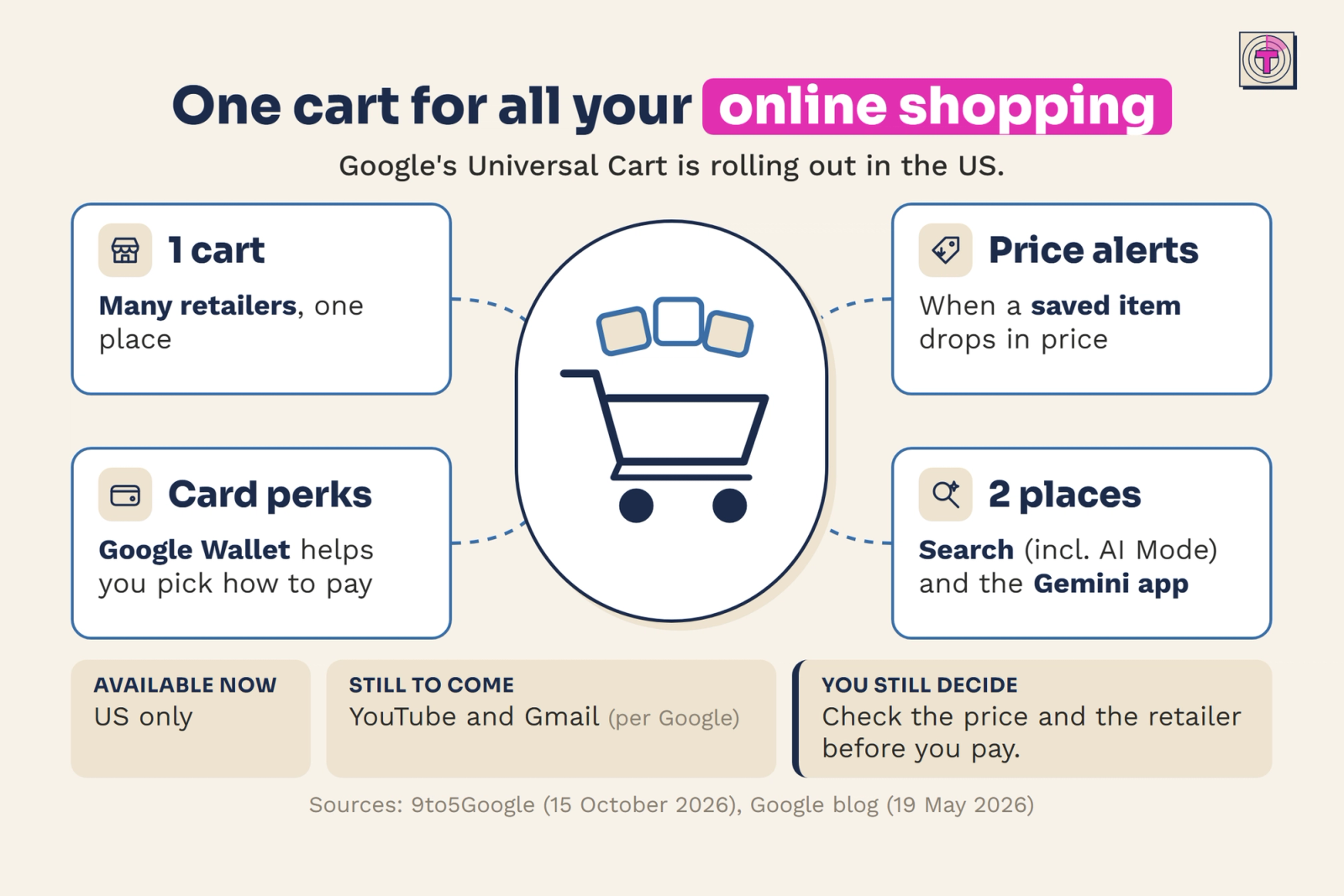
Your online shopping probably lives in too many browser tabs. Google wants to put it in one cart. This week, Google started rolling out Universal Cart in the US, and it matters to anyone who compares products and prices across more than one store.
This article explains what Google Universal Cart does, how checkout works, where it is available, and what to check before you rely on it.
What is Google Universal Cart?
Universal Cart is a shopping cart that works across retailers. It is rolling out in the US in two places: Google Search, including AI Mode, and the Gemini app.
The idea is simple. Instead of keeping one tab open for each store, you collect what you want to buy in a single cart and come back to it later.
What the Universal Cart does
The cart does three things:
- It holds products from different retailers in one place. You no longer have to remember which store had which item.
- It alerts you when the price of an item drops. The cart watches the items you saved, so you do not have to keep checking prices yourself.
- It suggests how to pay. It uses your Google Wallet card perks to help you choose a way to pay.
Together, these features move some of the repetitive work of online shopping, such as tracking tabs, rechecking prices and comparing cards, from you to the cart.
How checkout works
Checkout depends on the brand. With some brands, you can pay with Google Pay in a few taps. Otherwise, you finish the purchase on the retailer's own site.
In both cases, the retailer stays the seller. The cart helps you collect and compare, but the store you buy from is still the one selling to you.
Where Universal Cart is available
For now, Universal Cart is available in the US only, in Search (including AI Mode) and the Gemini app. Google says YouTube and Gmail are to follow.
If you are outside the US, or you shop mostly through YouTube or Gmail, you will have to wait. The scope of the launch is limited, so it is worth checking the details again as it expands.
What a price drop alert does and does not tell you
An alert tells you that the price of a saved item has dropped. It does not tell you that the new price is a good one, or that this retailer is the best place to buy the item. Use the alert as a reason to take another look, then compare as you would for any purchase.
Why the cart is a starting point, not a decision
Because the retailer stays the seller, the usual checks still apply: the price, the retailer and the payment method you choose. The cart makes those checks easier to do in one place. It does not replace them.
How to use a shopping cart assistant wisely
A cart that tracks prices and suggests payment methods can save effort. It works best when you treat it as a helper, not as the final decision maker. Three habits help:
- Add items to the cart instead of leaving tabs open. This is the main benefit: one place for everything you are considering.
- Check the price and the retailer before you pay. The cart finds deals, but you still decide whether the price and the store are right for you.
- Look at which card it suggests, and why. A suggestion is only useful if you understand the reason behind it.
Key takeaway
A shopping assistant finds deals, but you still decide. Treat its suggestions as a prompt to compare, not a verdict. Used that way, Universal Cart can replace a crowd of browser tabs with one organized place to shop, while you keep control of what you buy and where you buy it.